
Creators
Turn long recordings into daily Shorts, Reels, and TikToks without living in a traditional NLE.
Short-formCaptionsHooks
Upload your footage. Our AI auto-cuts, adds captions, removes silence, reframes for every platform, and exports cinematic videos — in minutes, not hours.

Trusted by 50,000+ creators, marketers, and video teams worldwide
“I went from 3-hour edit sessions to 20 minutes. The AI timeline editor just knows what to keep.”
— Jordan K., YouTube creator, 480k subscribers
Six intelligent tools that cover the entire post-production workflow — from rough cut to publish-ready in one tab.
Analyzes speech, motion, and scene changes to automatically assemble a tight, engaging edit from raw footage.

Generates accurate, styled captions in 50+ languages with speaker detection. Customize font, position, and animation.
Detects and removes dead air, filler words, and pauses instantly. Keep only the moments that matter.

AI tracks faces and motion to auto-crop your video for any aspect ratio — 9:16, 1:1, 16:9 — without manual keyframing.

One-click cinematic grade. AI matches color science to your content type: vlog, ad, short-form, or cinematic.

TikTok, YouTube, Reels, LinkedIn — export with platform-optimized settings, bitrate, and codec in a single click.
VideoEditAI keeps the craft, removes the busywork. Upload once, edit everywhere.
Drop in raw clips from camera rolls, Zoom, screen captures, or stock libraries. No timeline setup required.
The AI Video Editor auto-cuts, removes silence, captions speech, and reframes for every platform.
Adjust pacing, captions, color, and highlights in a clean timeline built for speed — not complexity.
Ship social-ready videos with TikTok, Reels, Shorts, and YouTube presets in one click.
Preview how VideoEditAI turns a messy rough cut into a polished short. This is a product mock for first-pass browsing — not a live model connection.
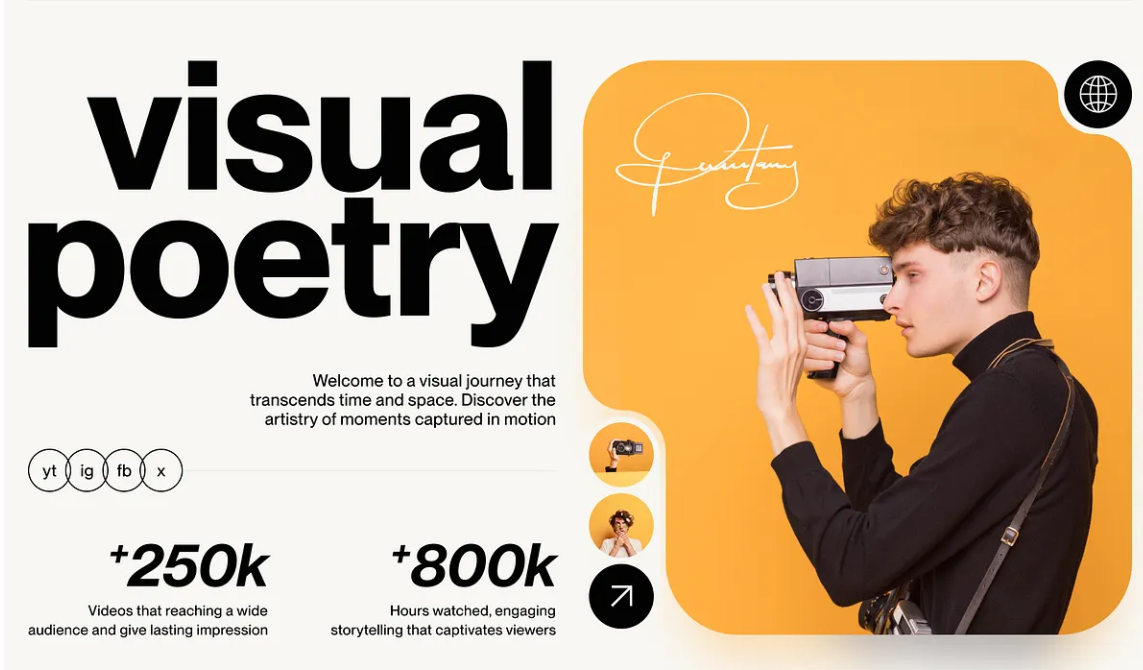
Turn long recordings into daily Shorts, Reels, and TikToks without living in a traditional NLE.

Generate multiple cuts and aspect ratios for paid social tests in minutes, not production days.
Clean interviews, remove silence, and ship B-roll driven edits with a timeline that stays readable.

Auto-reframe talking-head content for vertical platforms and keep faces centered while the AI cuts pace.
Start free. Upgrade when your publishing cadence outgrows manual editing.
Try the AI Video Editor on short projects and social drafts.
For creators and marketers who publish multiple videos every week.
Shared workspaces for agencies and content teams.
An AI Video Editor uses machine assistance to cut, caption, reframe, clean audio, and export video faster than traditional manual timelines. VideoEditAI focuses on creator and marketing workflows.
No. Upload footage, review the AI draft, and make light adjustments. The interface is designed for zero learning curve.
Yes. Export presets cover common social ratios and platform-ready settings so one source edit can become multiple formats.
The public landing experience uses product mock previews for browsing. Production integrations can be connected later without changing the page positioning.
Auto-captions support 50+ languages with style controls for font, placement, and animation.
Start free on videoeditai.ai. Upload a clip, review the AI draft, and export social-ready video in minutes.